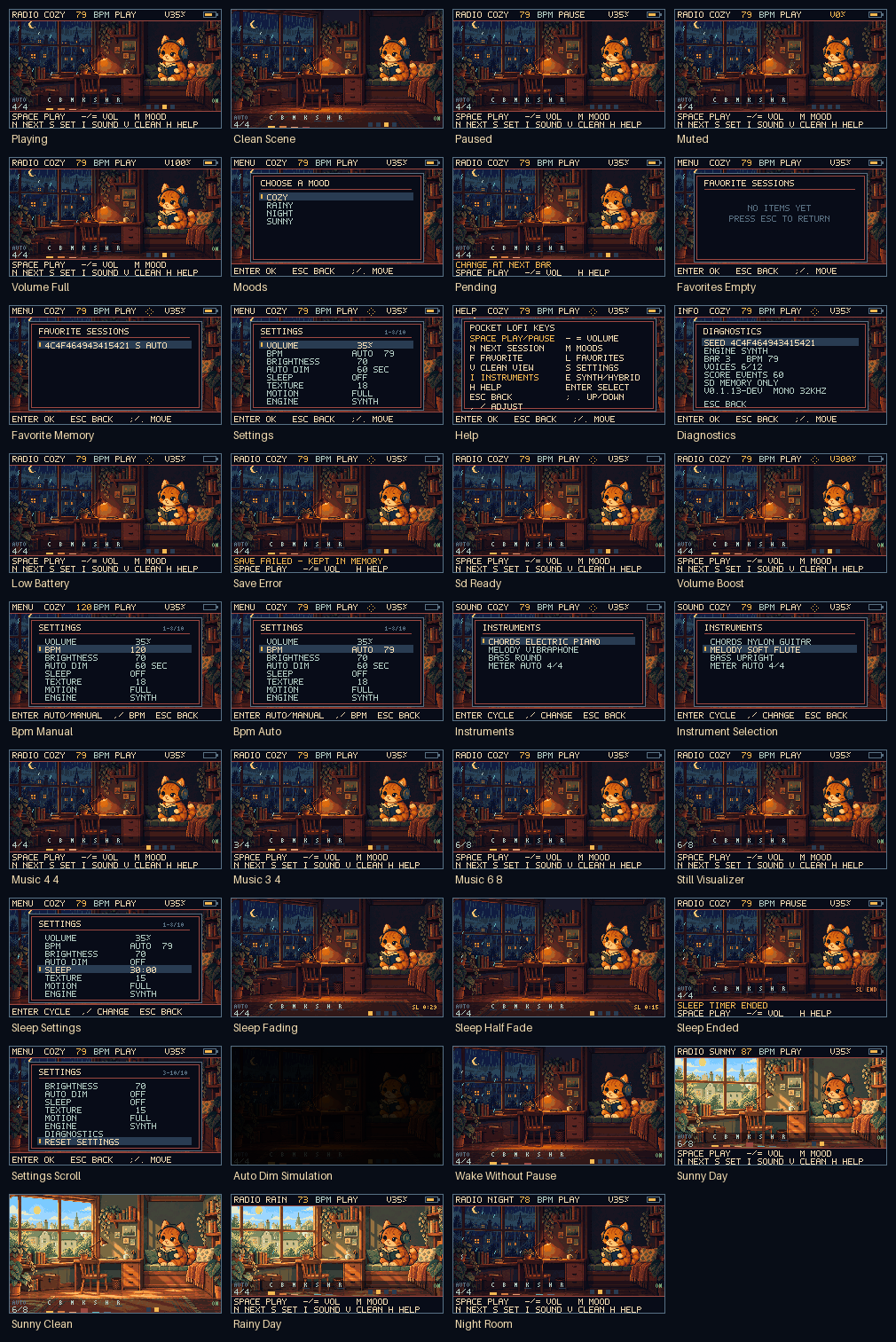
Public scenario contact sheet · scripted states from the native renderer · hardware unverified.
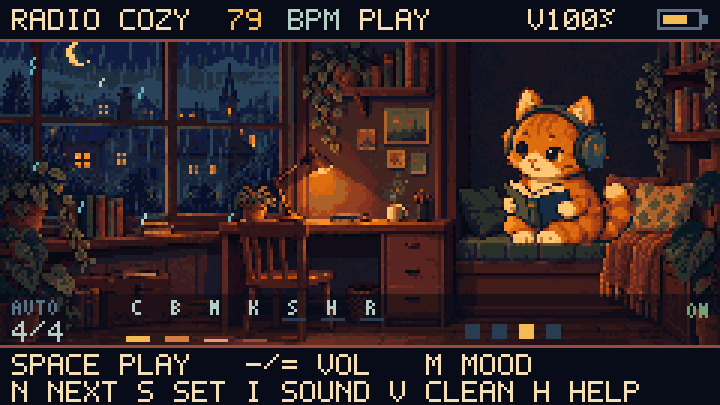
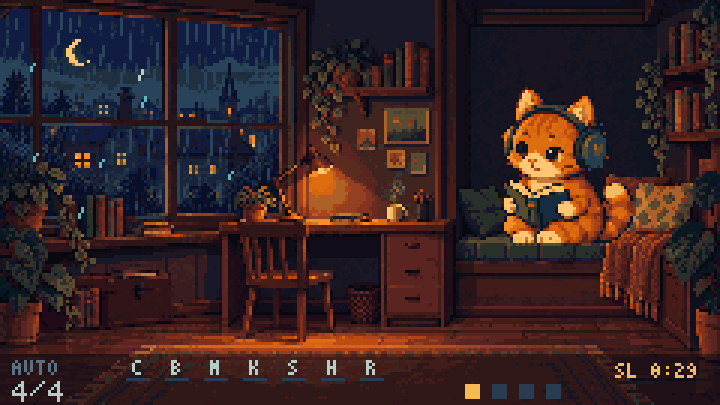
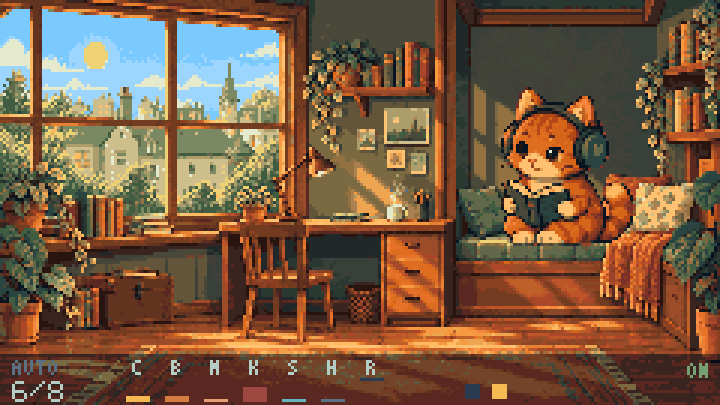
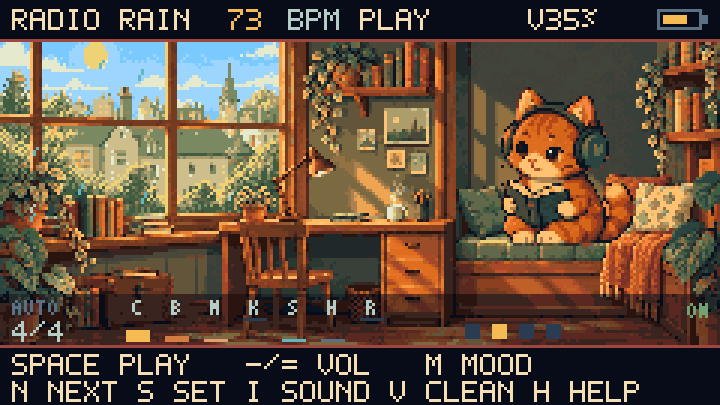
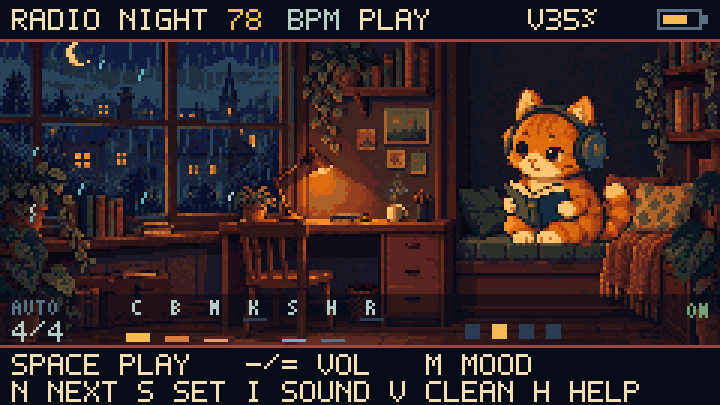
Catputer composes a quiet stream on the device while an original pixel-art cat reads beside the window. Four moods bring warm daylight or a rainy night to the built-in 240 × 135 room. No network or SD card is needed to play.
DESKTOP RENDER · HARDWARE UNVERIFIED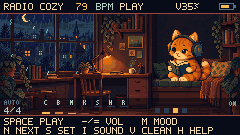
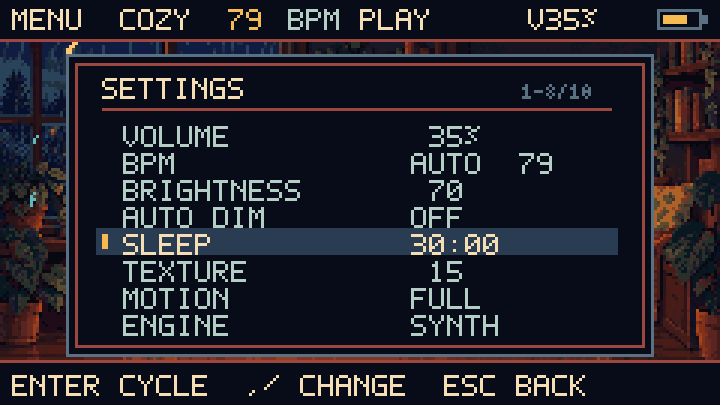
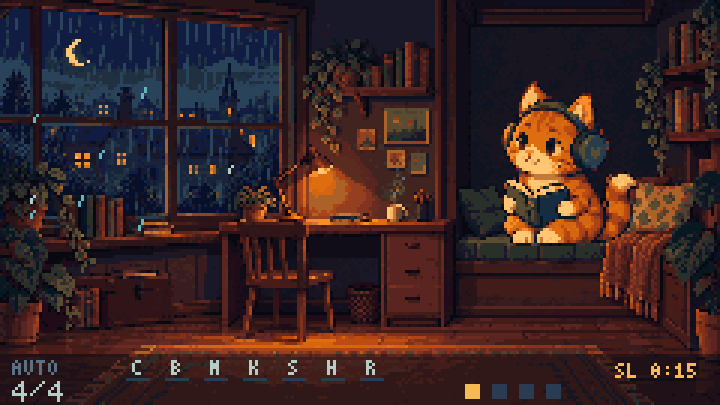
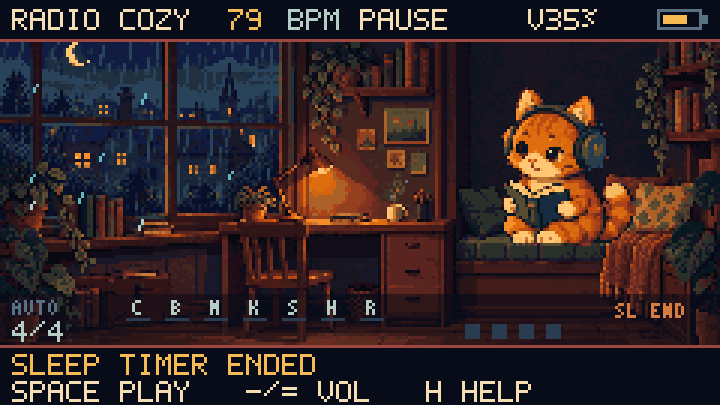
The screenshots use the same drawing code compiled for the native preview. They are desktop renders, shown at the device’s native size and an integer nearest-neighbour scale.
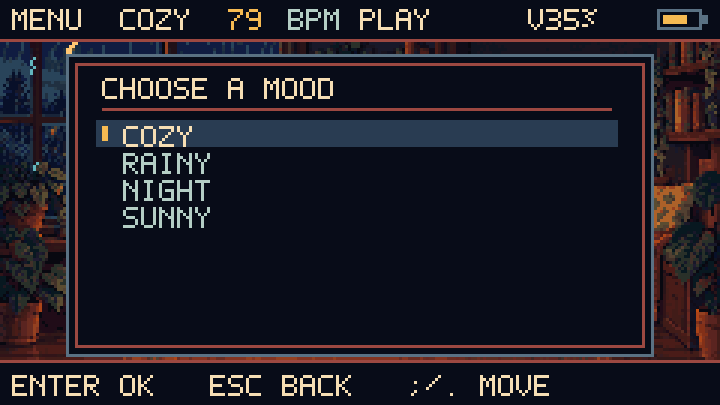
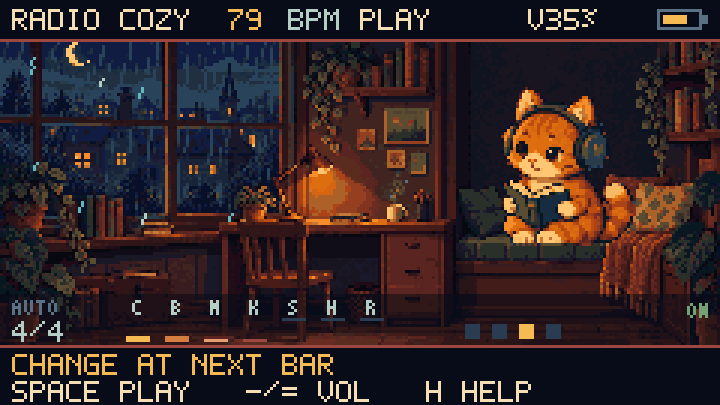
Cozy and Night keep the night room. Rainy brings daylight with rain; Sunny brings clear skies and brighter major-key music. The room changes when the new mood becomes audible.
Public scenario contact sheet · scripted states from the native renderer · hardware unverified.
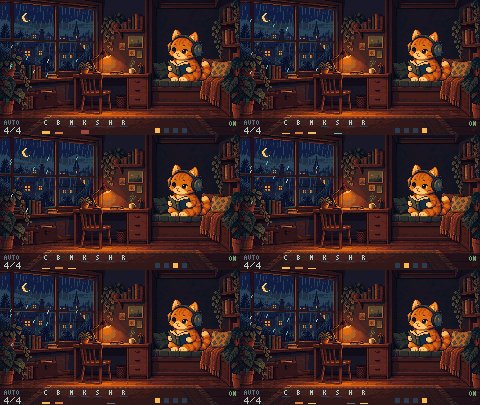
Night room · 12 FPS native renderer capture.
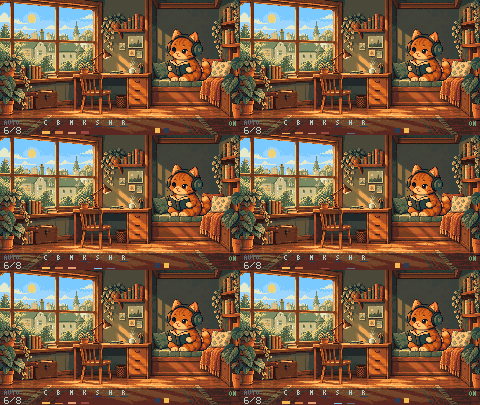
Sunny day · 12 FPS native renderer capture · no rain.
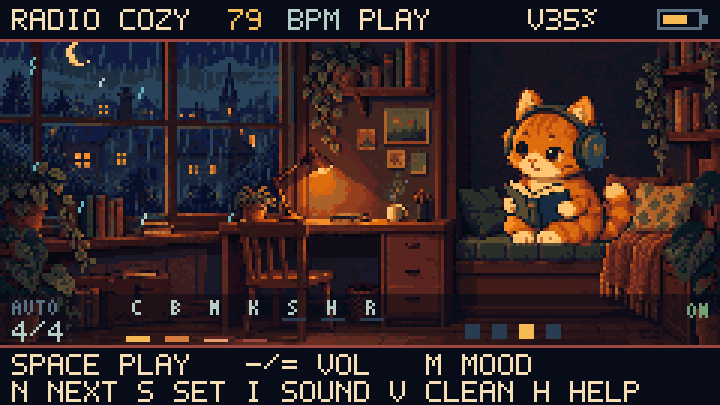
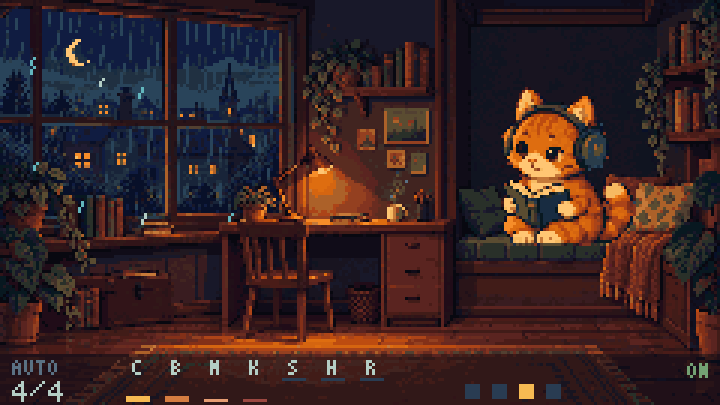
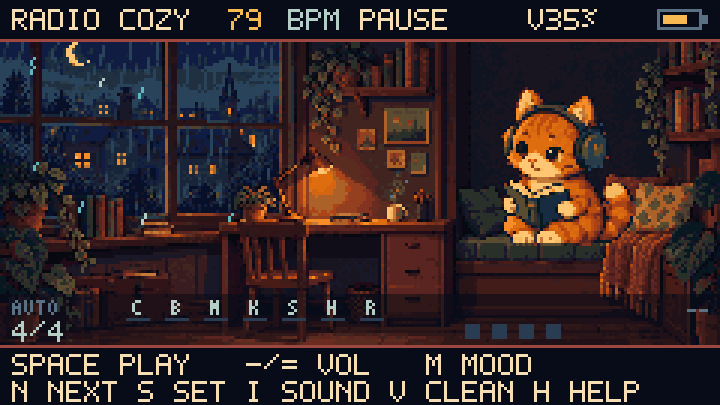
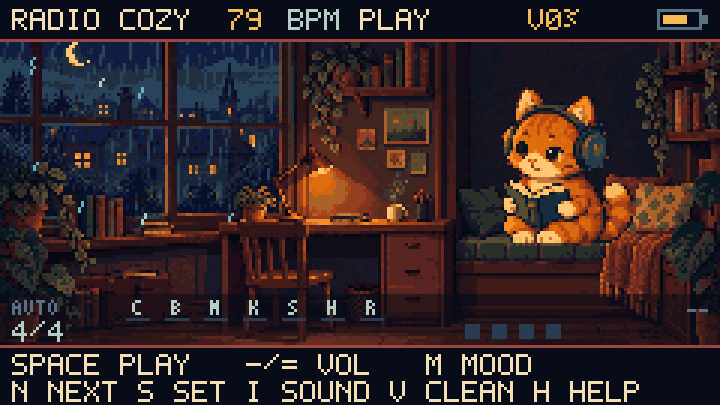
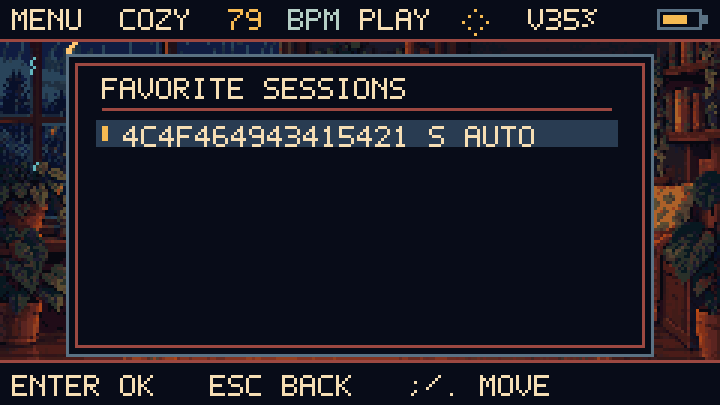
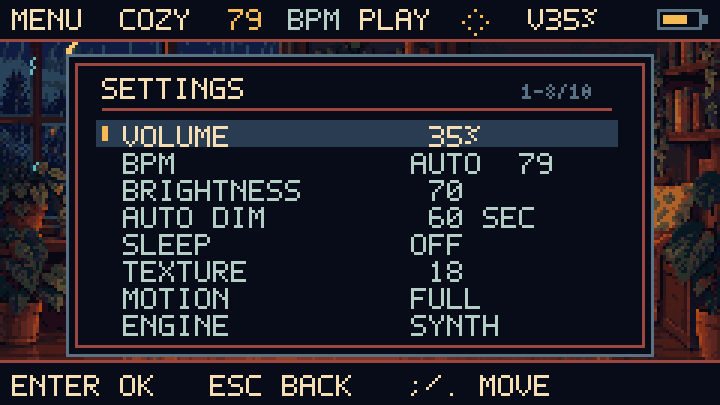
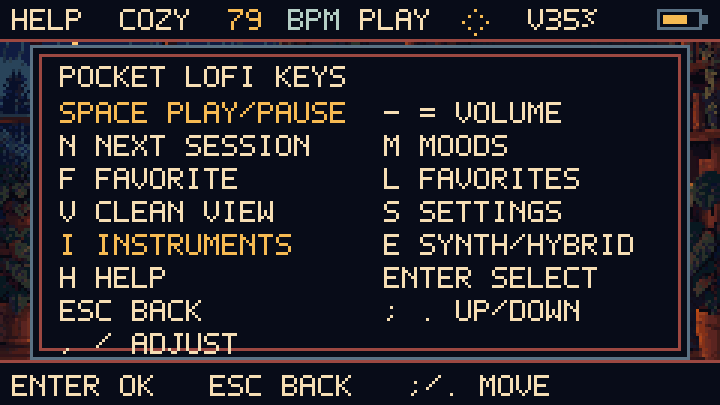
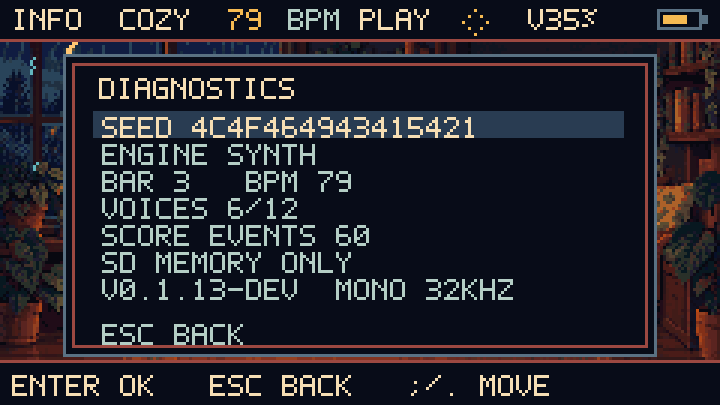
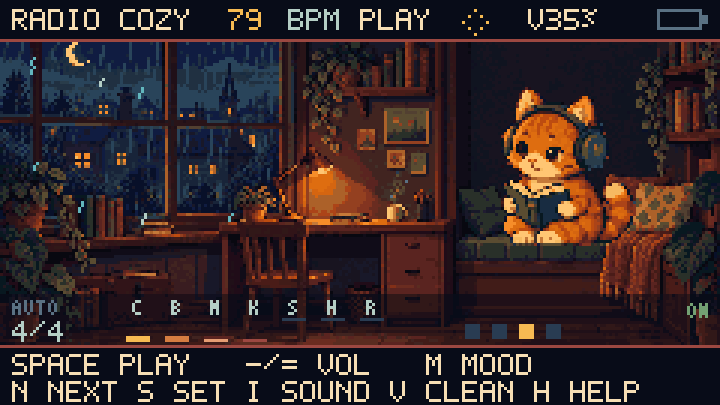
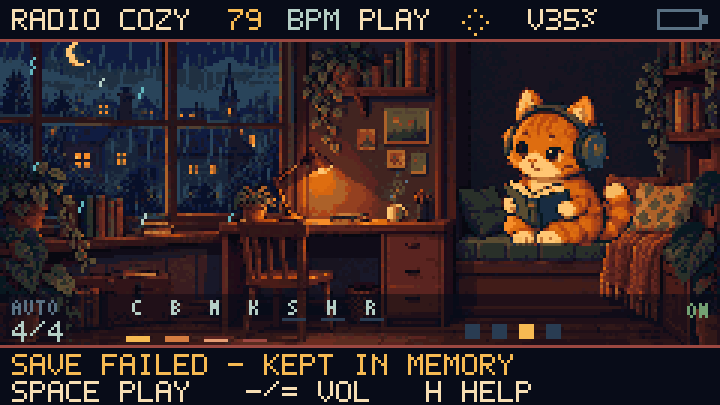
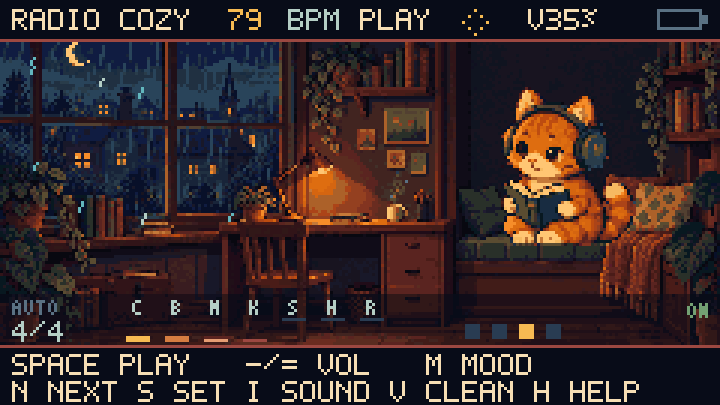
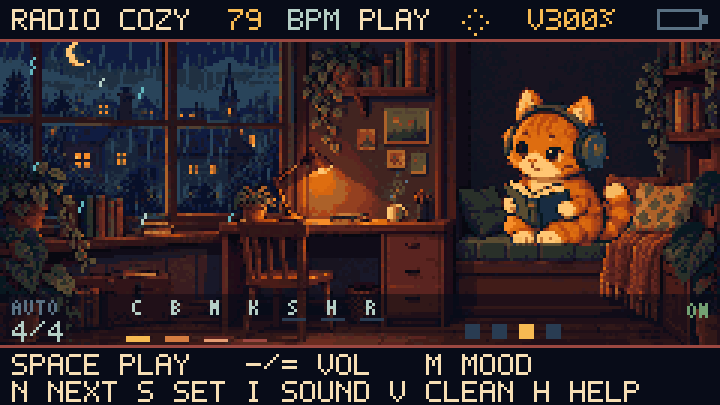
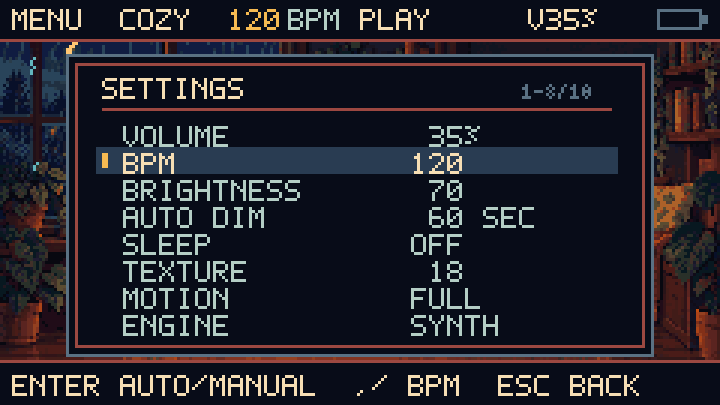
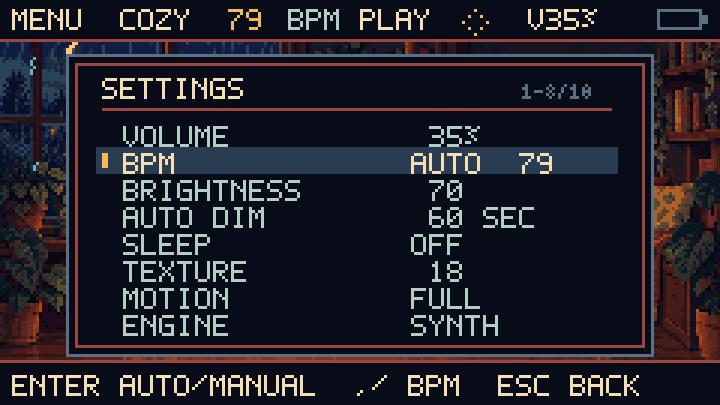
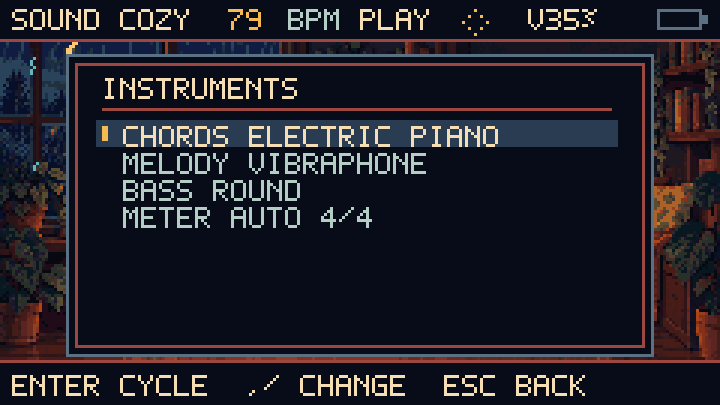
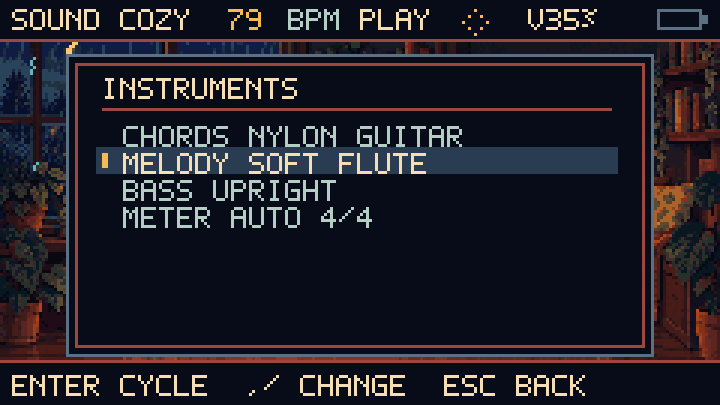
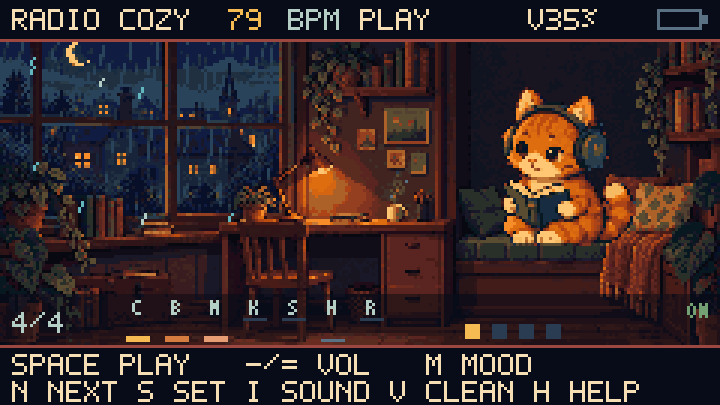
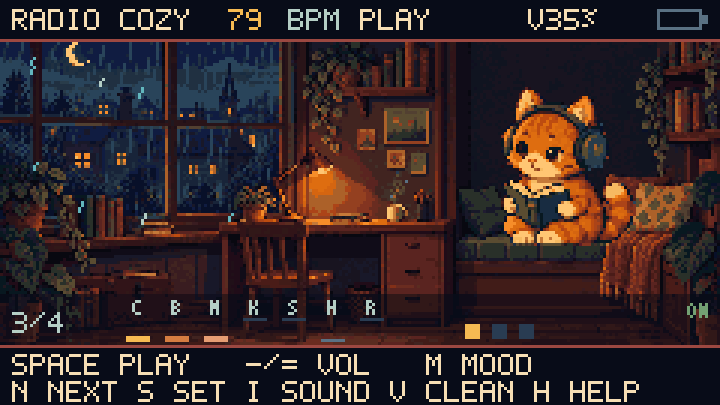
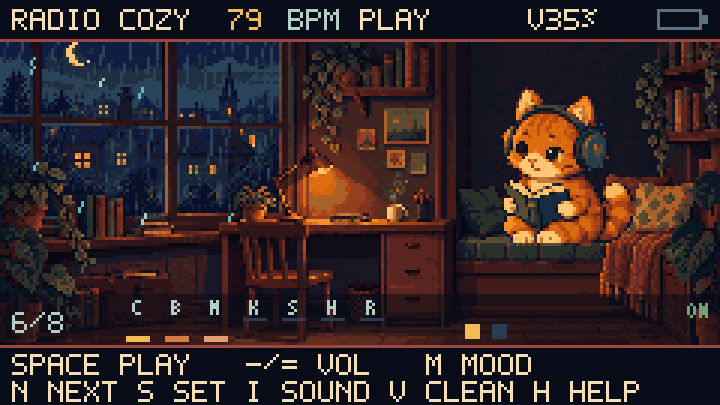
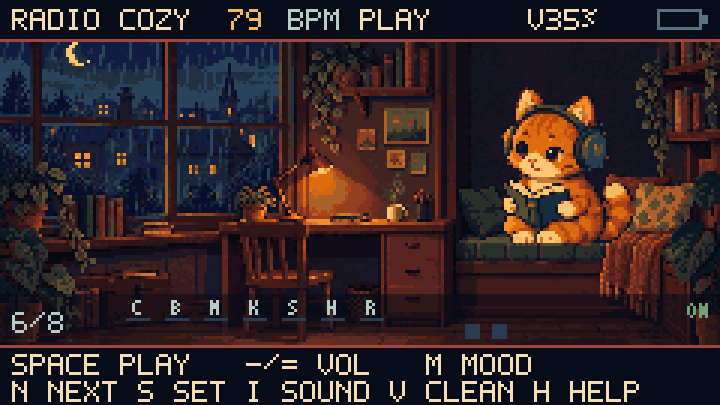
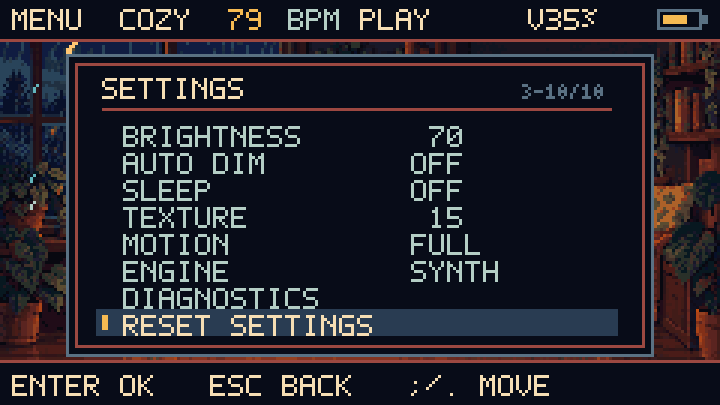
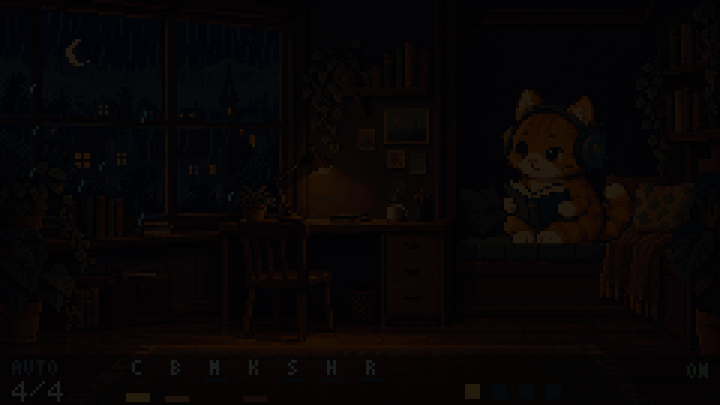
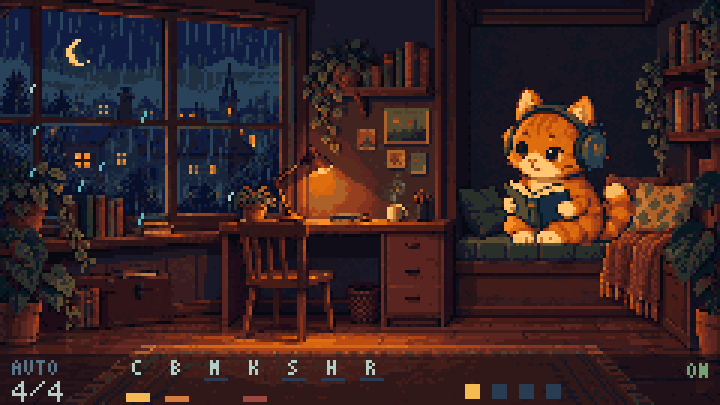
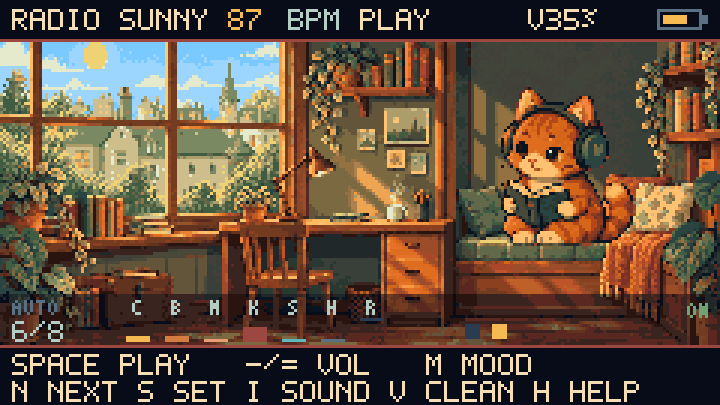
This runs the same composer and mixer as the device, compiled to WebAssembly. Every session is new and nothing is prerecorded. It is browser audio, not a recording of the Cardputer speaker.
Press Play to start. Mood and next-session changes arrive at the next bar.
Hear the same composition through two instrument engines. Choose a mood, play a sample, then compare its warmth and rhythm with the other version.
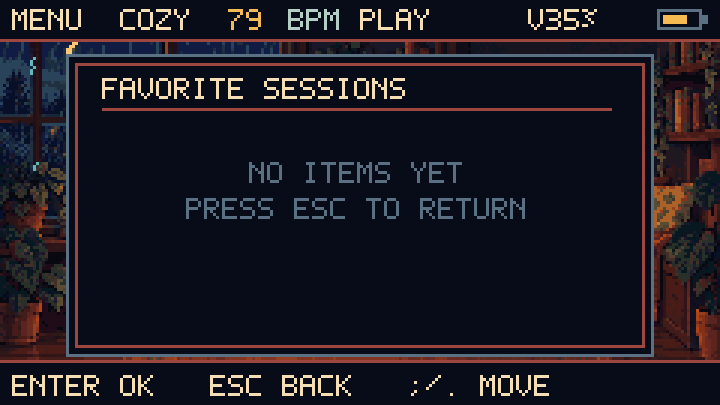
Essential actions are one key away, with menus using Enter/Esc and comma, period, slash navigation.
S → SLEEP: Off / 30 / 60 / 90 minutes, with a final 30-second fade to pause. S → AUTO DIM: Off / 30 / 60 / 120 seconds. The first keypress wakes the screen without changing playback.
Development firmware for M5Stack Cardputer ADV. The original Cardputer remains untested.
Standalone firmware 0.1.13-dev for M5Stack Cardputer ADV. The browser installation still needs a hardware test.
This replaces the current firmware and launcher. Installed apps and data in internal flash may be lost. To keep M5Apps, use the SD installation.
Download full image · Manual install and recovery
ca2e812fffb0a5b541e6e8e6570e95181a9b27638508d2e6ae454303f4ee1b99To keep your launcher and installed apps, copy the app BIN onto your SD card and open M5Apps → Installer → SD.
build/screens/*.ppm and build/animation/*.ppm.python tools/export_media.py with Pillow to create the public PNG/GIF evidence.python tools/build_site.py to regenerate this page.Source revision 769a215
Media evidence generated 2026-11-18T10:57:35+00:00
Original room and cat artwork was created with imagegen, then adapted to the LCD palette. Every scene shown here is captured from the shared renderer. This showcase uses local assets without external fonts or tracking scripts.
Selected project documents: README.md · INSTALL.md · INSTALL_FULL.md · VERIFICATION.md · THIRD_PARTY.md · EXPERIENCE.md · DELIVERY.md · ARCHITECTURE.md · MUSIC_ENGINE.md
The native captures are not a hardware certification. Current results and remaining device checks are in VERIFICATION.md.